
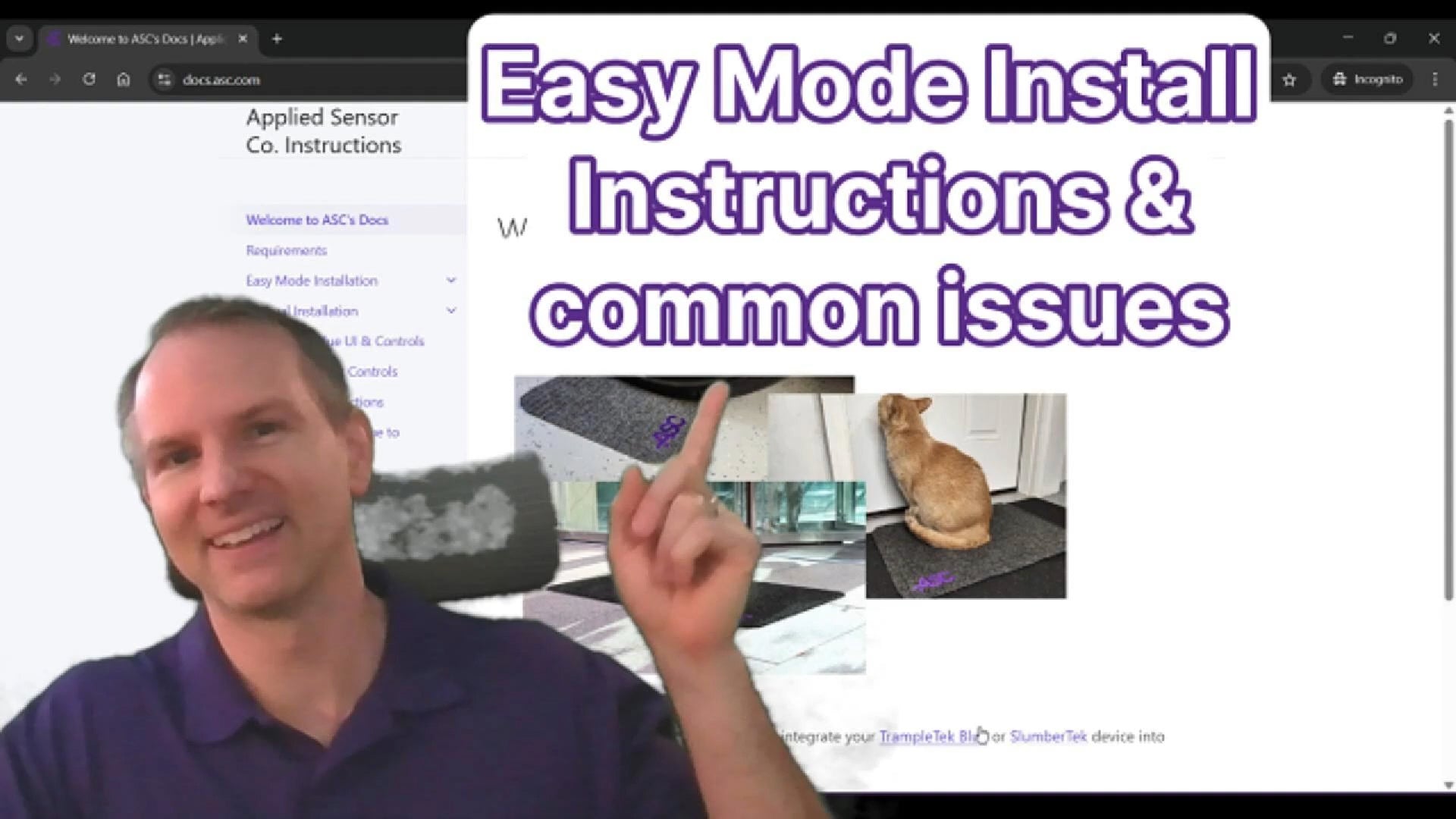
Step One
Install firmware
Watch the walkthrough video, or visit docs.asc.com/EasyModeInstall.html for the latest installation instructions.
You will receive Home Assistant notifications whenever there are firmware updates.
Support · Quick Start Guide
Follow our step-by-step guide to setting up your SlumberTek. Thank you for your purchase — this guide helps you get up and running as quickly as possible.
Step One
Watch the walkthrough video, or visit docs.asc.com/EasyModeInstall.html for the latest installation instructions.
You will receive Home Assistant notifications whenever there are firmware updates.
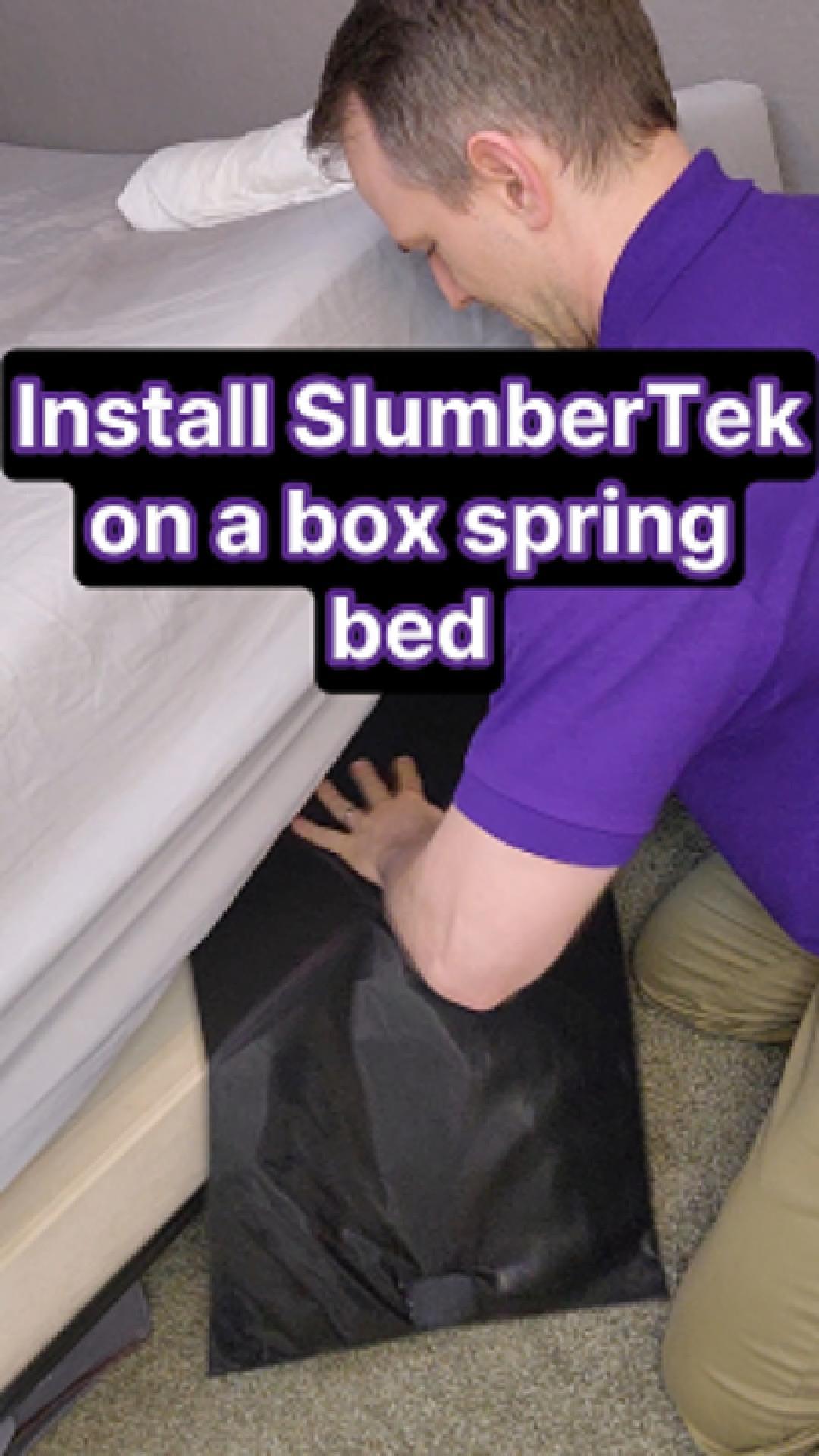
Step Two · Box Spring Beds
Place your SlumberTek sensor under your mattress at chest level, with the electronics box positioned toward the outside edge of the bed. This keeps the WiFi antenna clear of the bed frame and reduces strain on the USB-C connection.
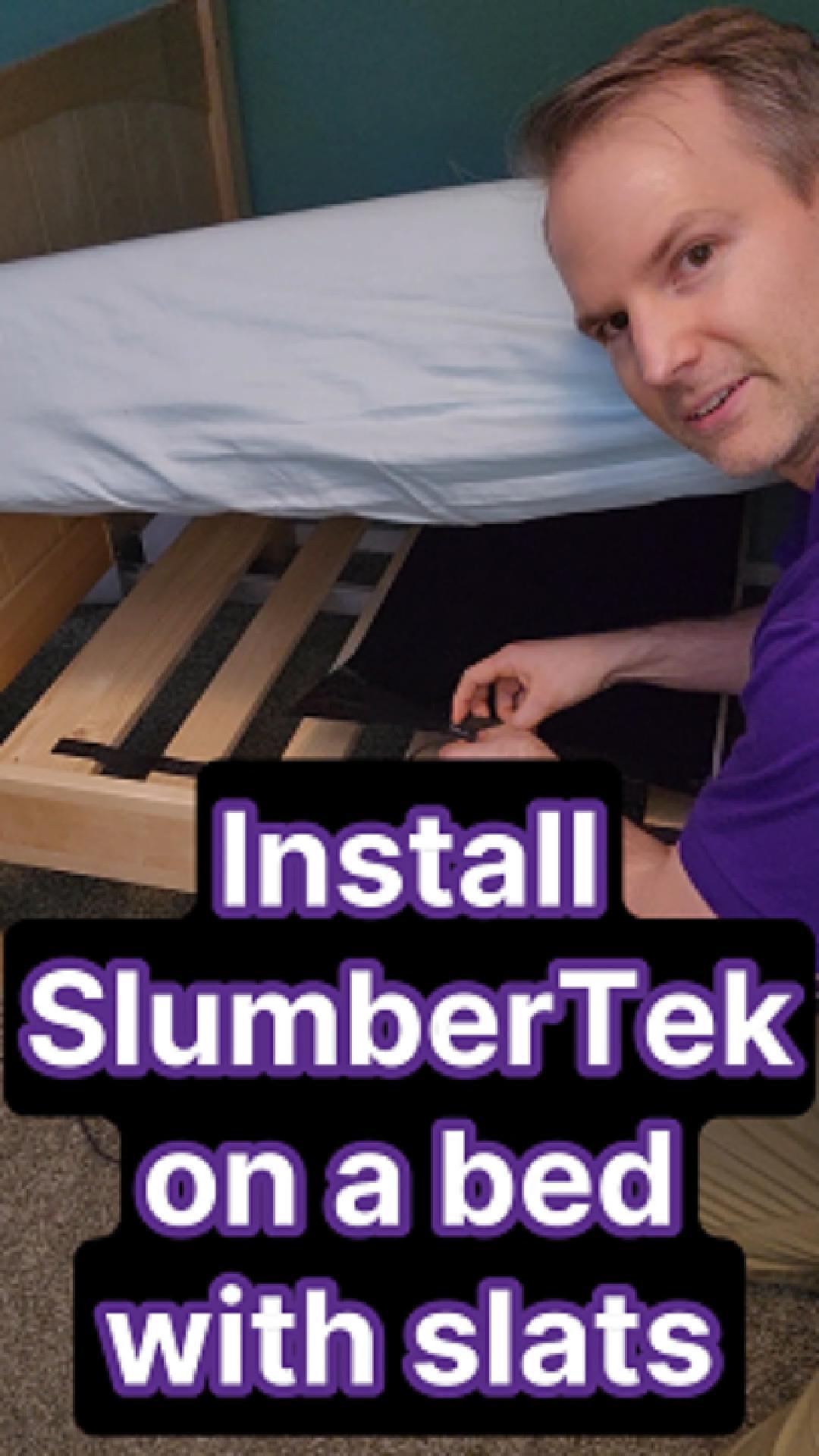
Step Two · Slat Beds
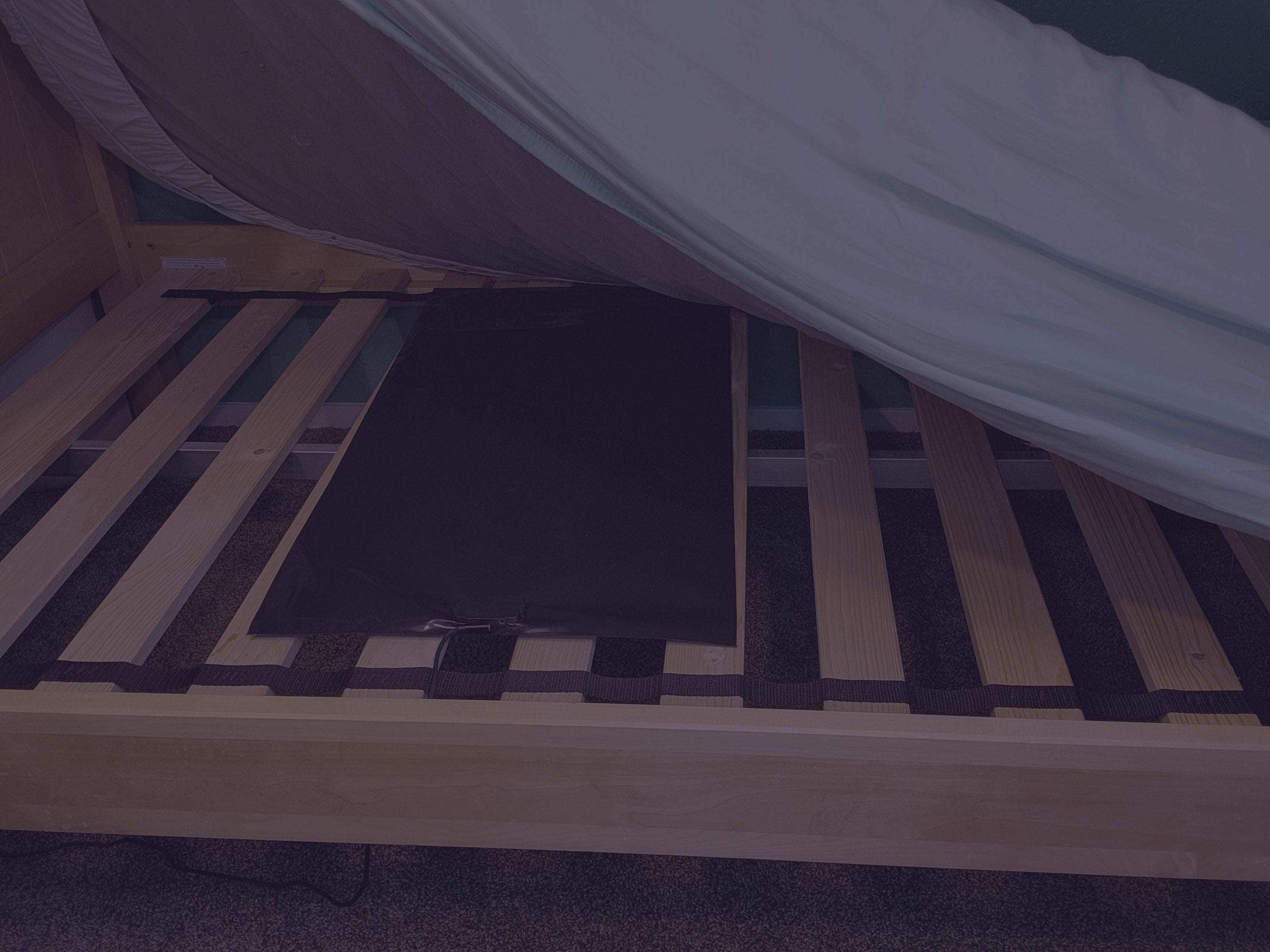
If you have slats, re-use the packaging to cover the gaps and improve your SlumberTek's pressure signal.
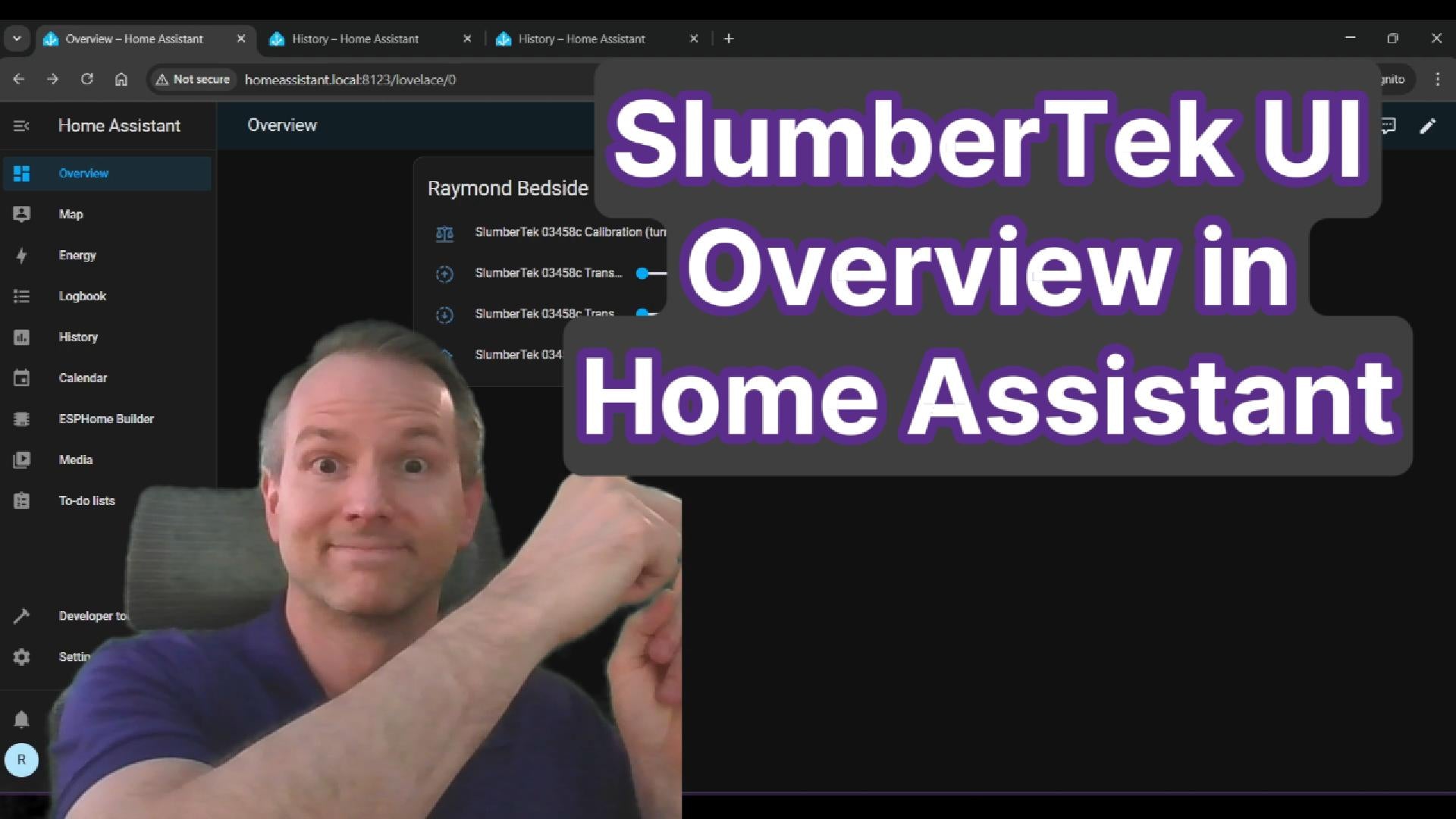
Step Three
After your first calibration, SlumberTek uses its adaptive learning algorithm to automatically re-calibrate as needed. This keeps your SlumberTek accurate over the days and months ahead.
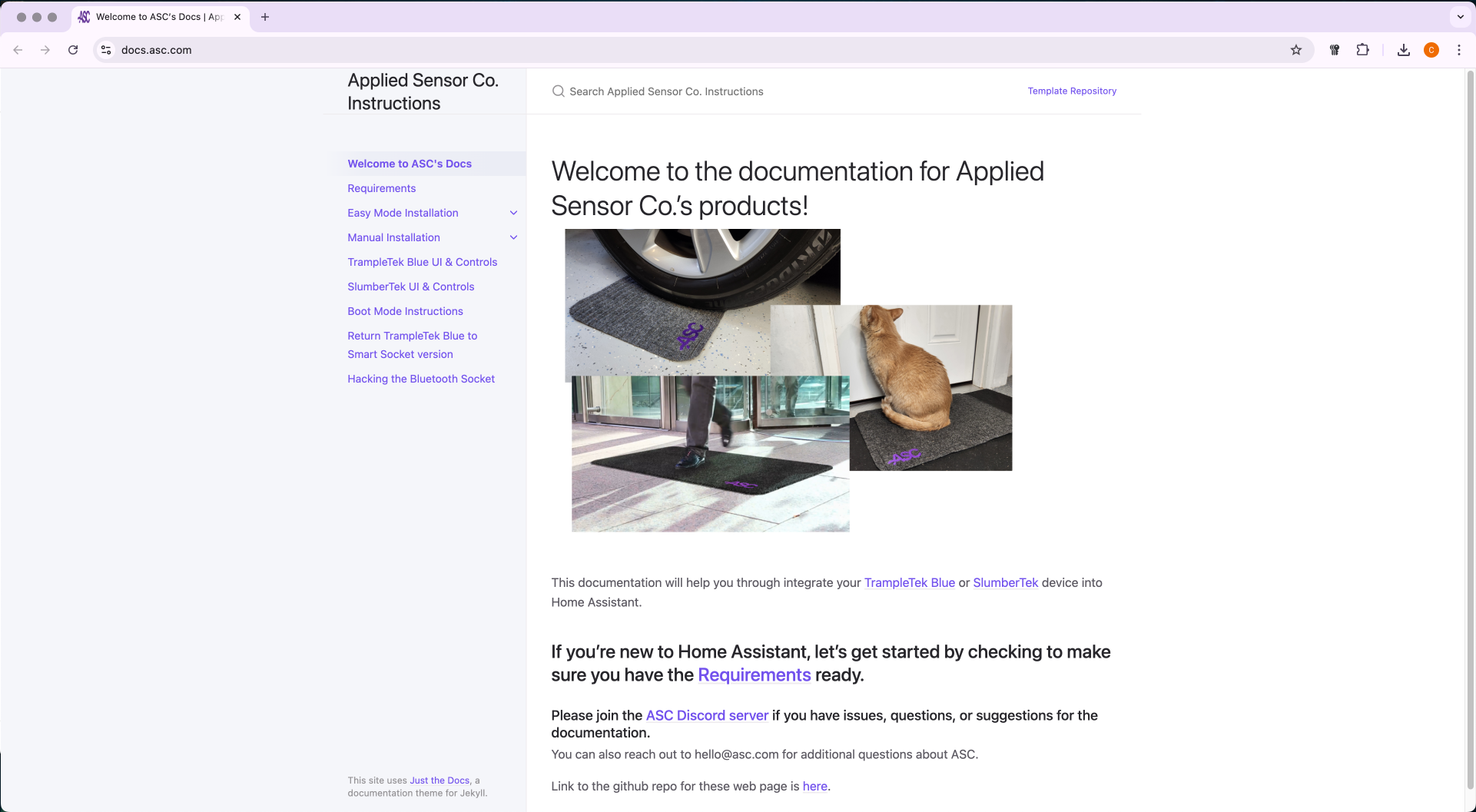
Step Four (Optional)
Want to go deeper? Visit docs.asc.com/SlumberTek.html for the latest information, including auto-calibration details and hidden UI elements.

Troubleshooting
This video walks through key troubleshooting tips, sensor insights, and configuration adjustments. Solve issues with false or slow detection signals, pets triggering SlumberTek, and more in this deep-dive tutorial.
SlumberTek is now fully installed in your Home Assistant. Join the ASC Discord for troubleshooting tips and discussions on using your SlumberTek.
Latest install instructions for SlumberTek firmware.
Auto-calibration, hidden UI elements, and advanced settings.
Troubleshooting tips and discussions with other ASC users.
Browse all ASC product documentation.